 PSP Emulator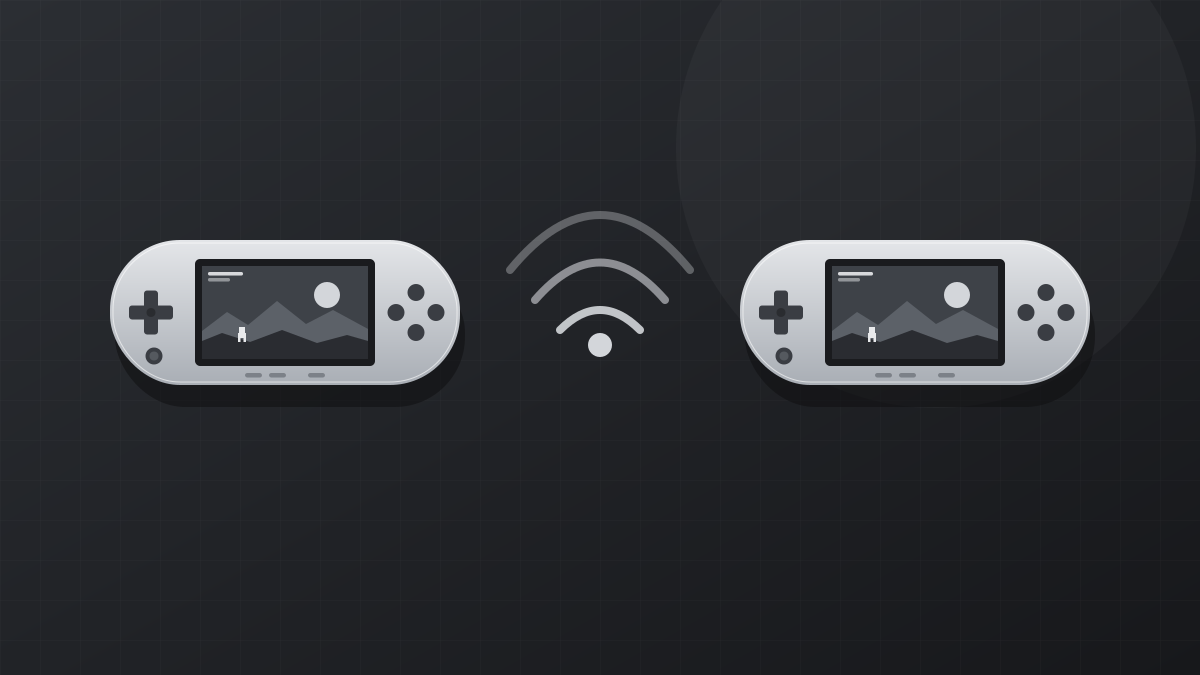
Many of the best PSP games were built around local wireless multiplayer, where consoles in the same room connected directly. A PSP emulator recreates this ad hoc mode and, through community servers, lets you play with friends anywhere in the world.
How ad hoc play works in the emulator
A real PSP sends ad hoc traffic straight to nearby consoles. The emulator instead sends it through a server that every player connects to. That server tells each copy of the emulator where the others are, so the game believes its partners are in the same room.
Basic setup
- Every player should use the same emulator version. Mismatched versions are the most common cause of failed connections.
- Open Settings > Networking and enable networking and WLAN.
- Choose the same ad hoc server on every device. The built-in list includes community servers.
- Use the same game version and region on every device.
Relay mode
Home routers often block the direct connections ad hoc play needs. Relay mode routes all game traffic through the server, which avoids router configuration entirely. It adds a little latency but works for most people out of the box. Recent releases improved relay support for several games and added live status from relay servers, so you can see who is online before starting.
Playing on the same Wi-Fi
If everyone is at home on one network, you can run your own ad hoc server on one device. Enable the built-in server option on one player's emulator and point the others at that device's local IP address.
Tips for a stable session
- Use 5 GHz Wi-Fi or a cable rather than mobile data where possible.
- Keep frame skipping off; uneven speed between players can cause disconnects.
- If one player is much slower, lower everyone's graphics settings so the game runs at full speed on all devices.
Chat and achievements
The emulator includes a simple chat window for coordinating with other players. If you use RetroAchievements, recent versions fixed an issue that blocked relay servers when achievements were enabled, so both features now work together.
Next: How to Install a PSP Emulator on Android (Step by Step)